A quiet night-time path
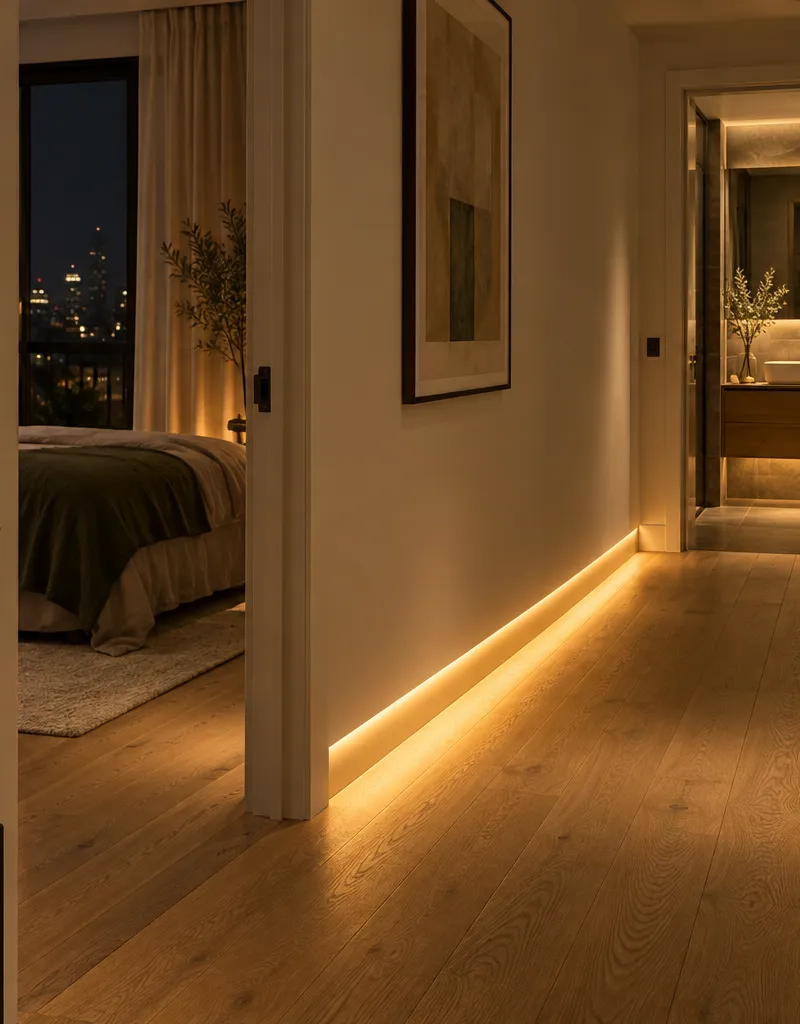
A motion sensor triggers gentle hallway lighting. No searching for switches or waking up to bright light.
Smart home design, installation and setup in Warsaw. Lighting, everyday scenes and simple controls — including apartments with Appartme, after checking your installation.
Warsaw pilot. Scope subject to an installation assessment.
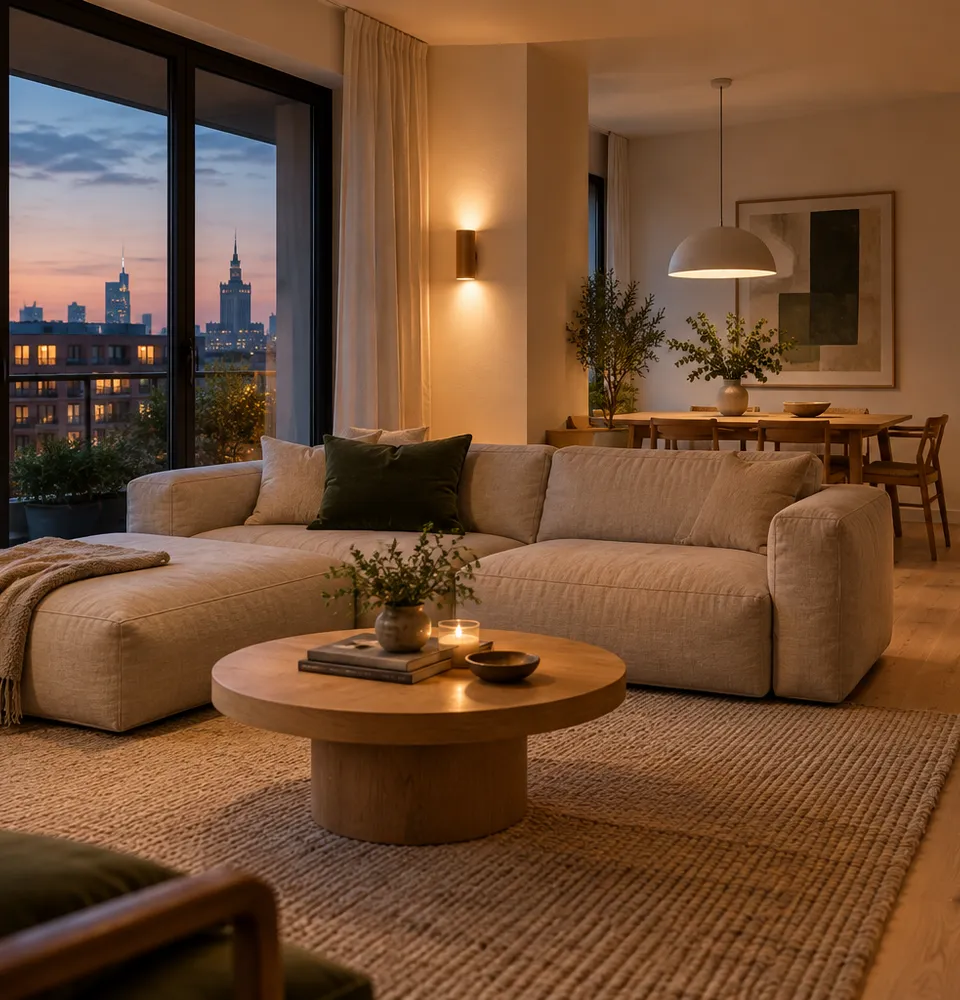
Choose a scene to explore example settings. The actual functions depend on the devices checked in your apartment.
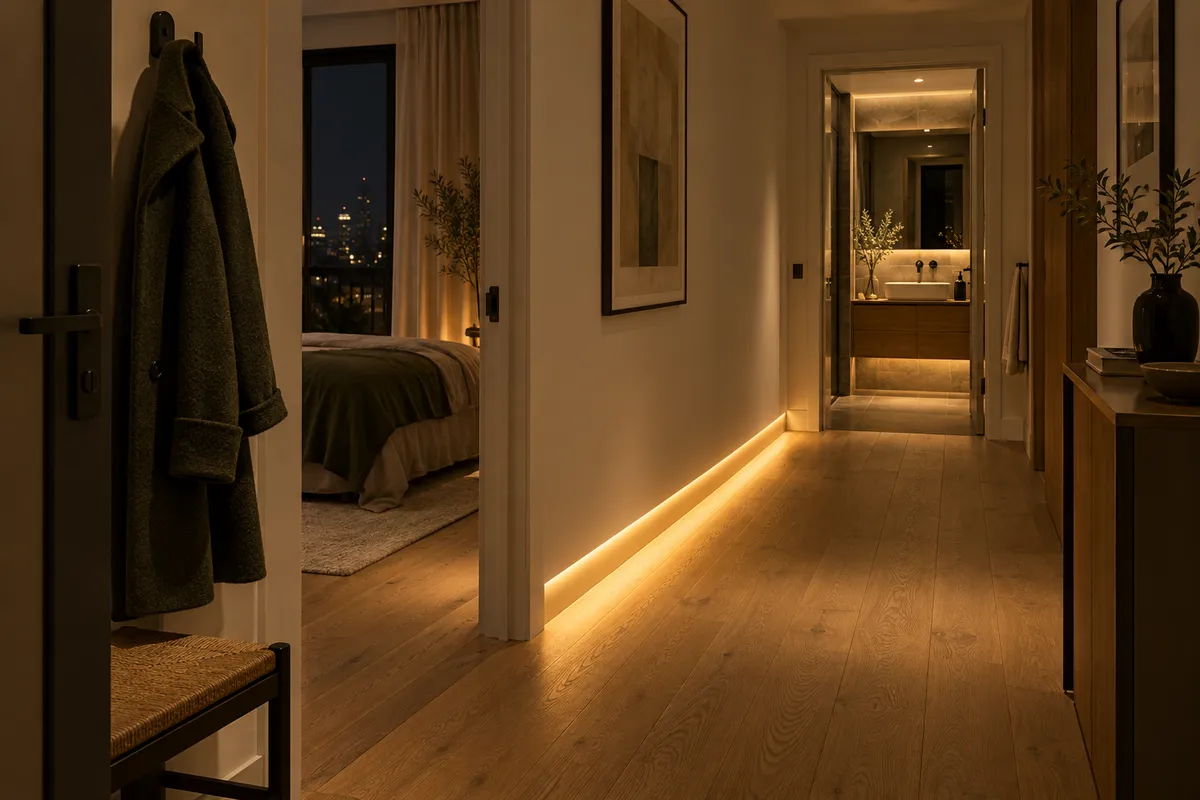
The main lights switch off. Gentle floor-level lighting stays on, while selected devices turn off.
Example scene
We start with everyday habits, then choose the equipment that fits your apartment. We are currently inviting enquiries for a pilot in Warsaw.
A motion sensor triggers gentle hallway lighting. No searching for switches or waking up to bright light.
A button by the door switches off only the agreed circuits. Essential devices stay on.
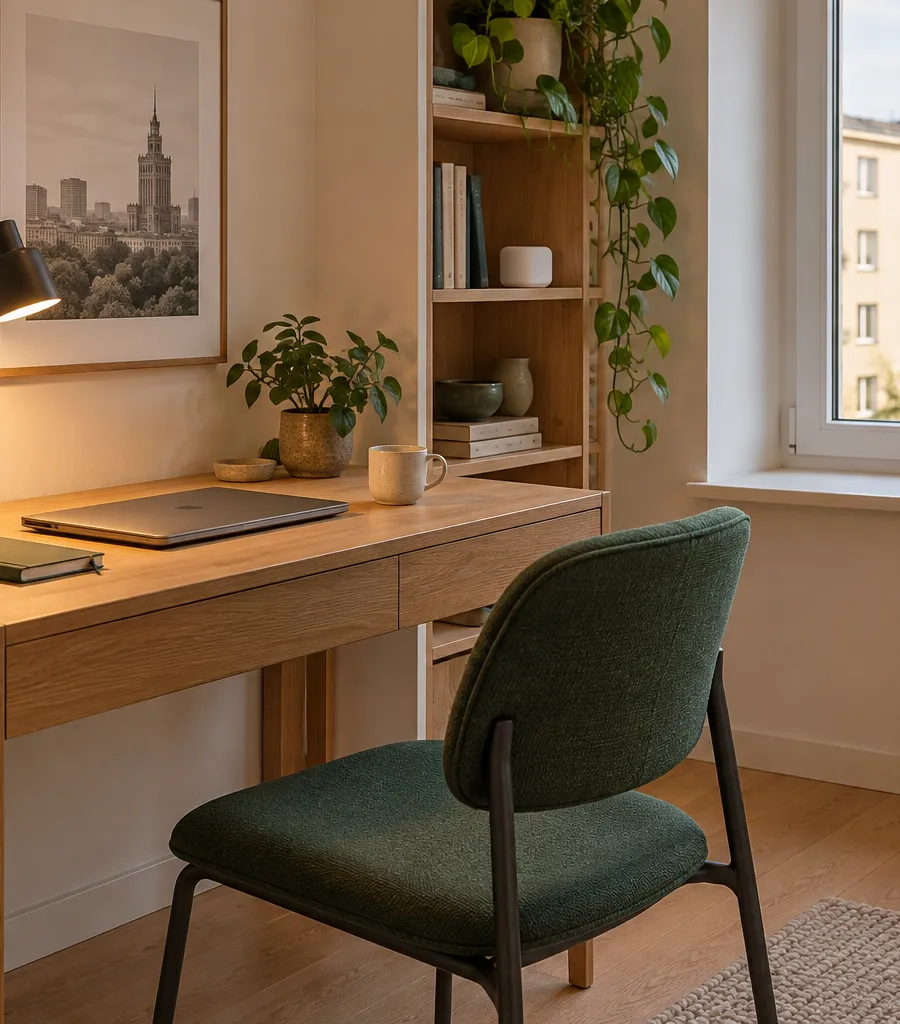
A presence sensor helps keep the light on while you sit still. We test placement and sensitivity in practice.
A compatible heating system can respond to an opening sensor. We check the controls first.
One scene adjusts available lighting for watching. Media equipment integrations are quoted separately.
A convenient button or your phone replaces a walk around the apartment. Manual control remains available.
We inspect what you already have. Agreed developer-installed functions stay in place, with new comfort features added as a separate, organised layer.
Integration depends on the module, version and access. Cloud-based functions may still require the internet.
A separate server runs automation and the panel. We test new local scenes with the internet disconnected too.
We select compatible sensors and actuators. A sensor alone cannot control a lamp: the right actuator is also needed.
We start with a simple phone panel. If you have a DNAKE monitor, we check whether it can serve as an additional screen. It is not the automation server.
A panel, camera feed, conversation and door release are separate tasks. Full intercom integration needs its own verification and must preserve normal incoming calls.
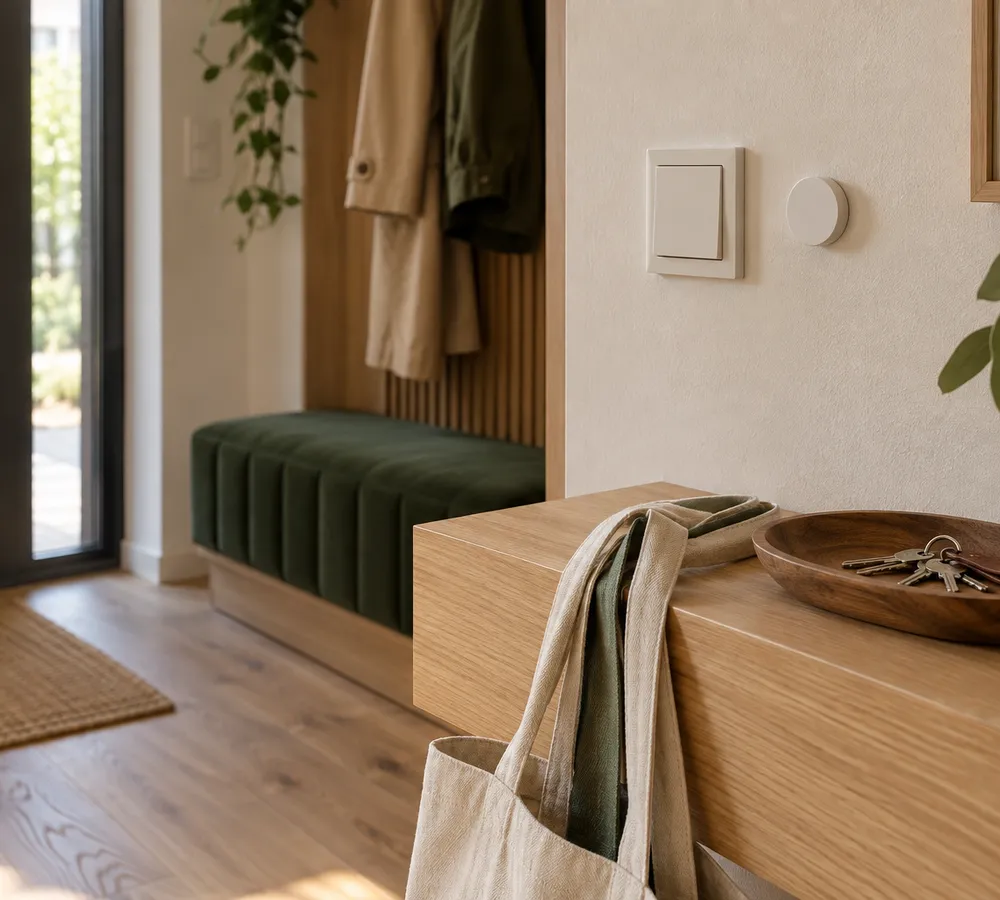
Your day, fewer interruptions.
Agreed functions, compatibility checks and a clear equipment list.
Installation within the agreed scope, configuration and clear room names.
Scenes, manual control, restart and backup restoration checks.
Owner access, documentation and a short introduction for the household.
Three starting points for a conversation. Final equipment and price follow an apartment assessment and your approval of the quote.
A useful first step
Comfort across rooms
A connected whole
A new tablet, curtain motors, electrical rewiring and full intercom integration need separate quotes. Changes to shared building systems require the relevant permissions.
Cityflow is a starting point for the planned pilot, not a list of completed installations. We check the actual setup before ordering equipment.
Tell us what you want to make easier, with device models if you know them.
We check wiring, the network, access and possible scenes. Visit terms and cost are agreed in advance.
You receive the scope, equipment, price and acceptance criteria. You decide before ordering.
We configure the agreed functions, test them together and hand over the system.
After handover, you keep the configuration and owner access. You can use the system without a support subscription from us.
Optional support, updates and extra scenes are agreed separately. Remote access needs your permission. We do not promise 24/7 service or unlimited visits.
Many features can be added without major renovation. Lighting and socket options depend on the wiring. Electrical work is assessed separately and carried out by a suitably qualified professional.
We plan new local scenes to work locally and test them at handover. Appartme functions and external services may depend on the cloud.
We do not assume compatibility from the brand name. We check the model, version, permissions and network. Showing a panel does not establish call or door-release integration.
Preserving agreed manual controls is part of design and acceptance. Scenes should not make the apartment harder to use.
We look for reversible solutions. Changes to fixed wiring need the owner’s permission.
No. Our support is optional. Any third-party service fees are agreed before setup.
Tell us where the apartment is and what you want to improve. Add an Appartme or DNAKE model if known. Do not send passwords, door codes or access credentials.
Warsaw pilot. Scope subject to an installation assessment.
Selected scope:
Concept illustrations generated using AI.